
Twelve inboxes. One place. Zero guilt.
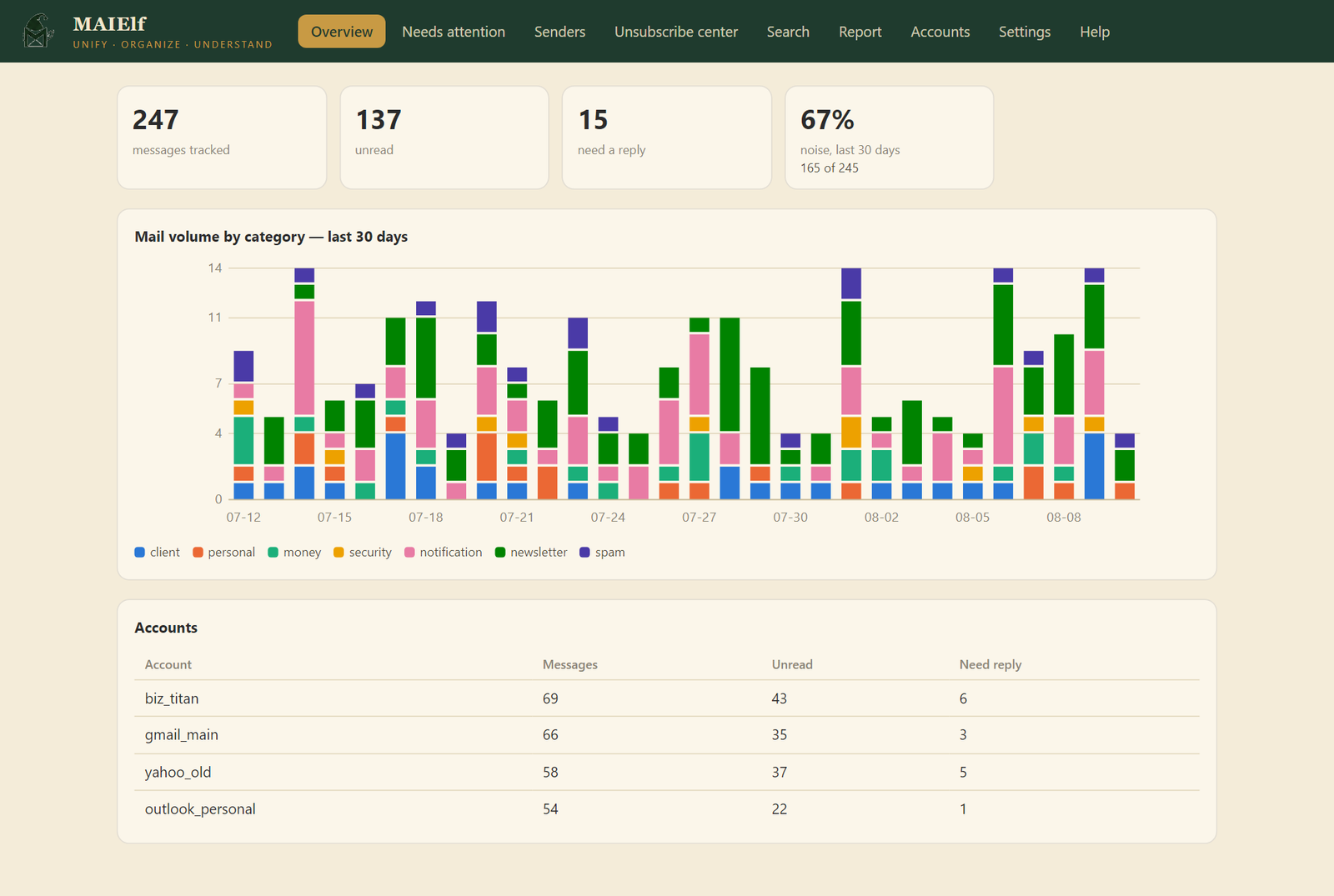
If you run a business, side projects, or just life, your mail is scattered across Gmail, Outlook, Yahoo, and a pile of domain mailboxes nobody checks. MAIElf watches all of them and boils the noise down to what matters.
Connect
Every account in minutes: Gmail, Outlook and Microsoft 365, Yahoo, Titan, Purelymail, any IMAP mailbox. Add one at a time or import a whole list from CSV. Each login is tested before it saves.
Organize
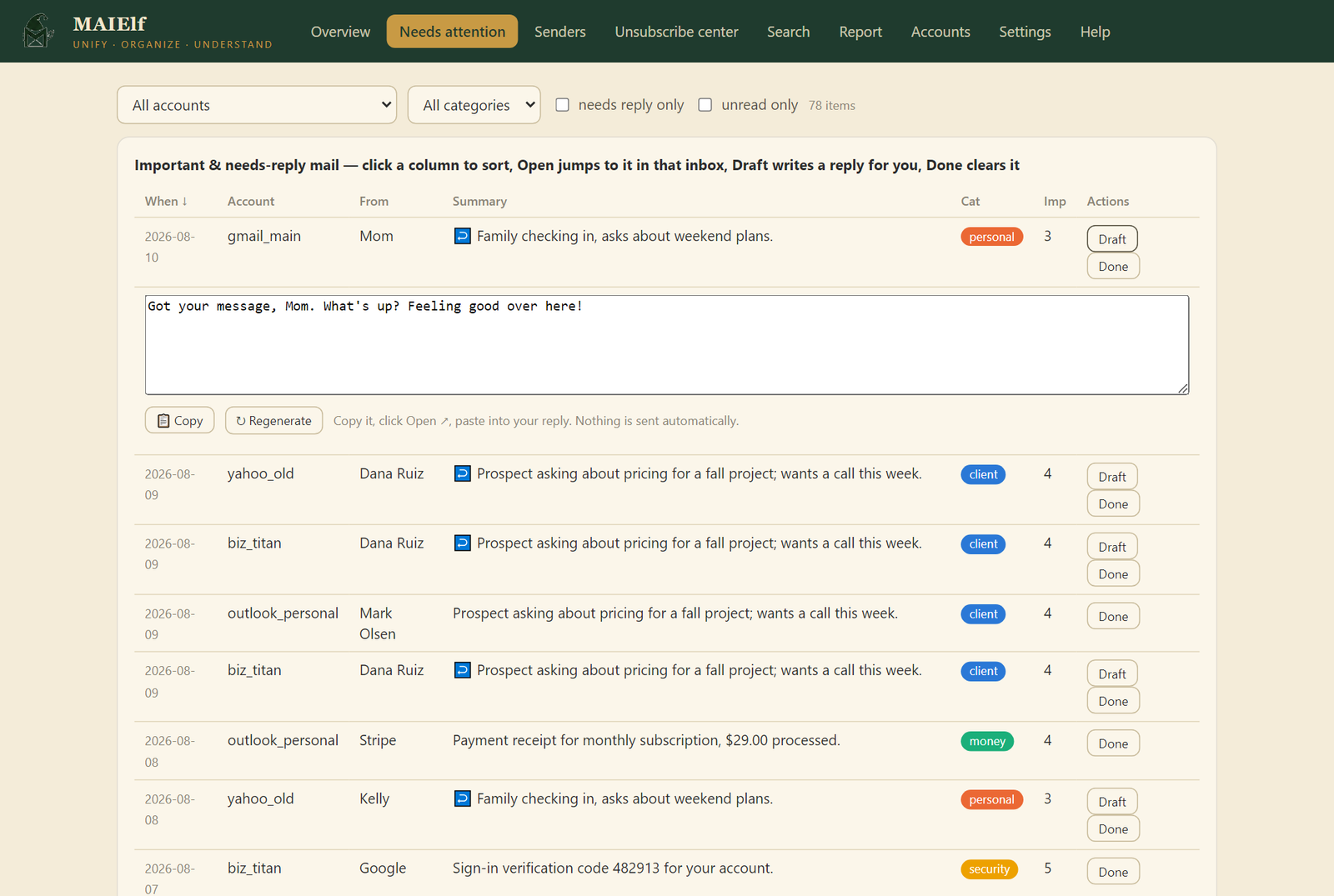
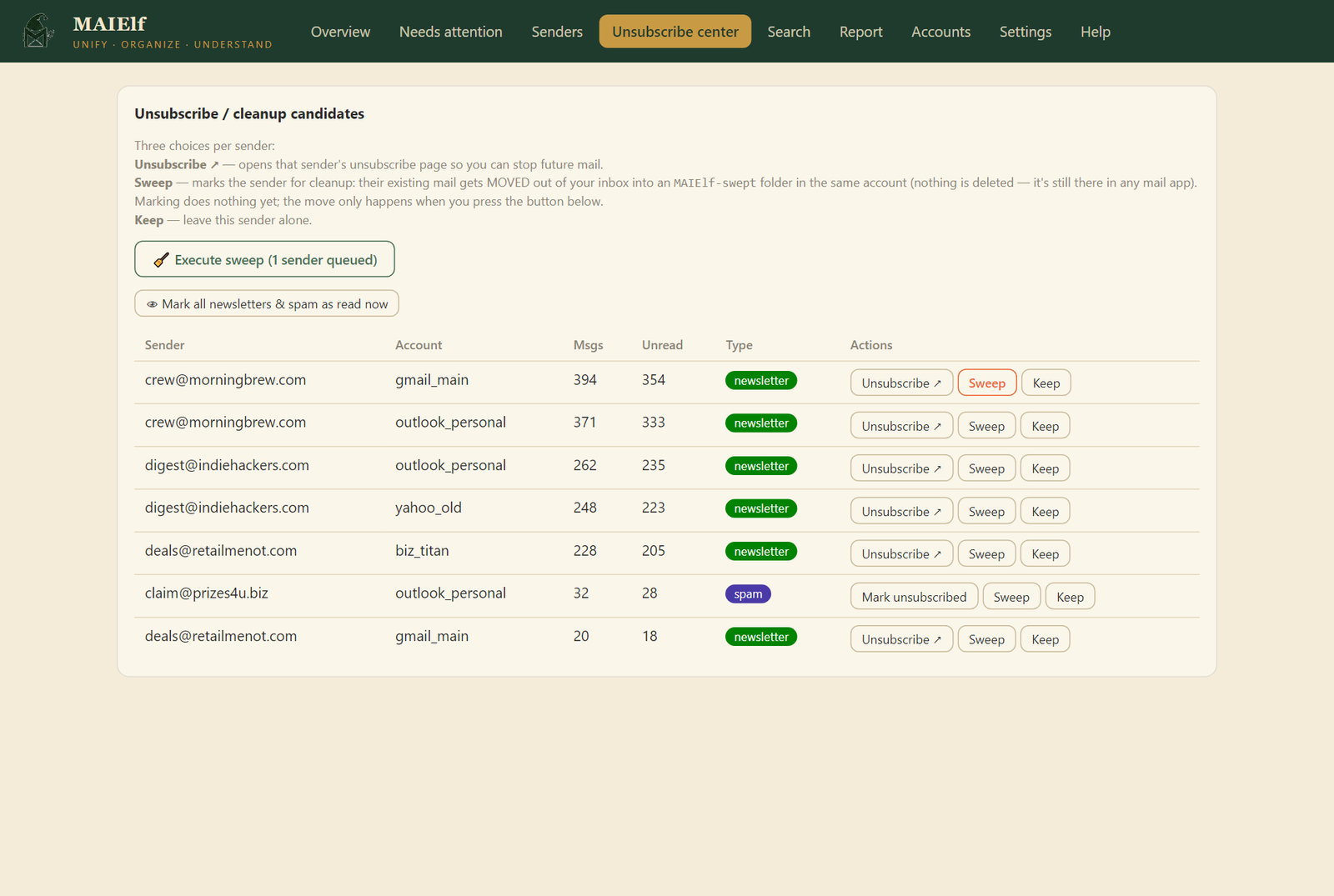
AI reads each message and files it: client, money, security, personal, newsletter, spam. A triage queue shows what needs you, a tracker shows who never replied to you, and one click sweeps newsletter pileups out of your inbox.
Chat
Ask your Telegram bot anything: what's urgent, what you missed, who owes you a reply. It can even book a meeting from a text message and hand you the calendar invite.
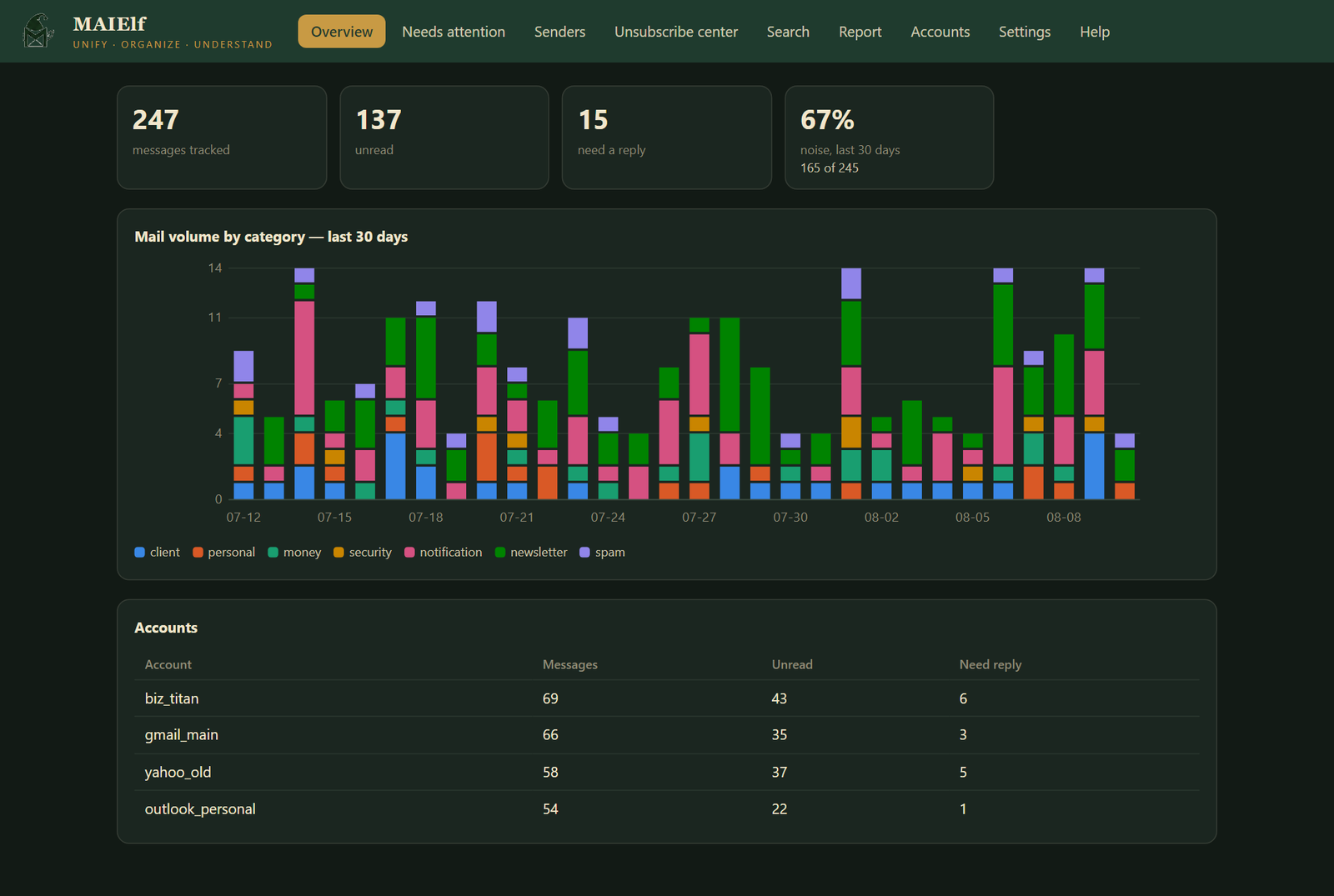
Your whole mail life on one screen
Text your mail. It texts back.
1. 🤝 Dana Ruiz - prospect wants a call this week about a fall project
2. 💰 Stripe - payment failed on your subscription
To: Dana Ruiz
Subject: Re: Fall project
happy to talk - does Friday at 2 work?
Send it? Answer yes to send.
With: John, Mike (emails found in your mail history)
Tap the attached file to add it to your calendar.
Everything it does
- Instant alerts for client leads, money, security codes, and your VIP senders
- Morning and evening digests of what needs you, on Telegram
- AI reply drafts you can send: written from the full thread, edited by you, sent through the account's own mail server after you confirm
- Compose from one line: "ask Dana to move the call to Friday" becomes a finished email — in the dashboard or straight from Telegram, confirm-first
- Triage from your phone: the bot numbers what it shows, then "done 2", "snooze 2", "mute 2", "reply 2: sounds good"
- Conversation view with an AI "catch me up": where the thread stands and what's still on you
- "Waiting on them" tracker: mail you sent that never got an answer
- VIP, mute, and snooze: teach it who always matters, who never does, and what can wait until Friday
- One-click unsubscribe: silently, in the background, where the newsletter supports it — no confirmation pages
- Unified calendar: invites from your mail plus your real Google and Outlook calendars, color-coded per account
- Attachments flagged and downloadable straight from the dashboard
- Watchdogs everywhere: a dead account, a stalled AI engine, or a crashed assistant gets caught, reported once, and restarted — no silent failures
- Search across every account with date and attachment filters, saved searches
- Gmail label write-back: mail arrives pre-sorted on your phone too
- Mark noise as read: unread counts that finally mean something
- State-of-your-email report after the first full scan
- Keeps itself lean and current: old newsletter bodies auto-expire, weekly automatic backups, and one-click in-app updates (auto-install if you opt in)
- Runs itself: checks mail every 15 minutes on a schedule, silently
- Pick your AI: free local Ollama, or OpenAI, Claude, Gemini, Grok, DeepSeek, Groq, OpenRouter
Private by default
- Everything runs on your computer. With local AI, your mail never leaves it.
- Passwords, tokens, and keys are stored encrypted, tied to your Windows login. A stolen disk yields ciphertext.
- Stored message text is encrypted too.
- MAIElf never sends or moves mail on its own. Replies go out only after you press Send and confirm; the cleanup tools only run when you click them.
- This website counts visits and downloads anonymously (a daily hash, no cookies, no trackers) so we know anyone is out there. The app itself sends nothing but a version-number check you can turn off.
Get MAIElf
Free download. Unzip, double click, and the built-in Help walks you through the rest in about ten minutes.
Download MAIElf for WindowsWindows may warn "protected your PC" the first run — it just doesn't know small independent apps yet. Click More info → Run anyway.